


Weasel Port Solutions
SolutionsReferencesSecurity & complianceNewsContact

Modular system

Start where it matters the most. Scale module by module.

One platform, assembled around your bottleneck

WPS is not a single product you switch on. It is a set of modules that share one operational truth. The Control Center is always part of a WPS deployment — it is where the port sees and steers everything. Every other module is chosen according to what your operation actually needs.

10+ ports
live in Finland, Åland and Sweden
20 million
passengers through WPS annually
10+ years
designed lifecycle with continuous upgrades

How the modules fit together

Always included

Control Center

Overview • history • statistics

Every module feeds the Control Center, and the Control Center is where decisions are made. That is why it is part of every deployment, whatever else you start with.

Operational domains — chosen by need

Passenger terminals

Validate • authorise • board

PAX Cars

Identify • guide • load

Cargo Operations

Validate • prepare • load

Control and information layer — chosen by need

Gate Operating System

Identify • authorise • control

Infosystem

Inform • direct • guide

The modules in detail

Each module can be deployed on its own and extended later without replacing what is already running.

Always included

Control Center

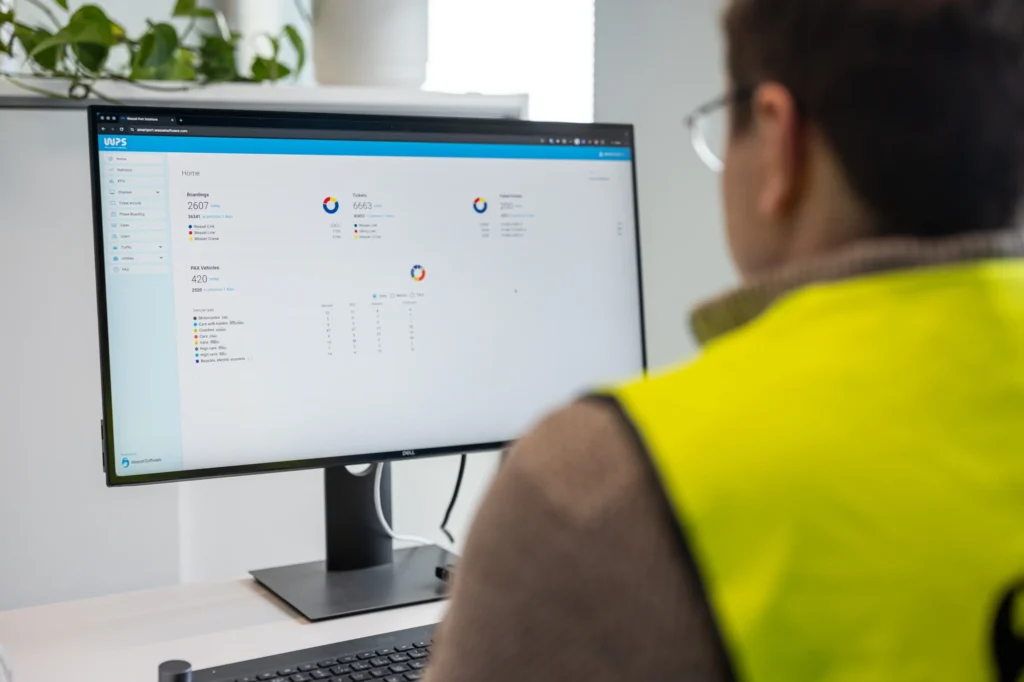
See terminal and yard activity, check-in status and upcoming departures in one real-time overview. Spot exceptions and review historical data to support operational decisions.
Control Center

Operations overview

  • Terminal and yard status
  • Check-in status for passengers, cars and cargo
  • Check-in issues and other exceptions
  • Upcoming departures and operators

Departure volumes

  • View live traffic volumes by departure.

History & statistics

  • Historical activity and trends
  • Operational performance statistics
Passenger terminals

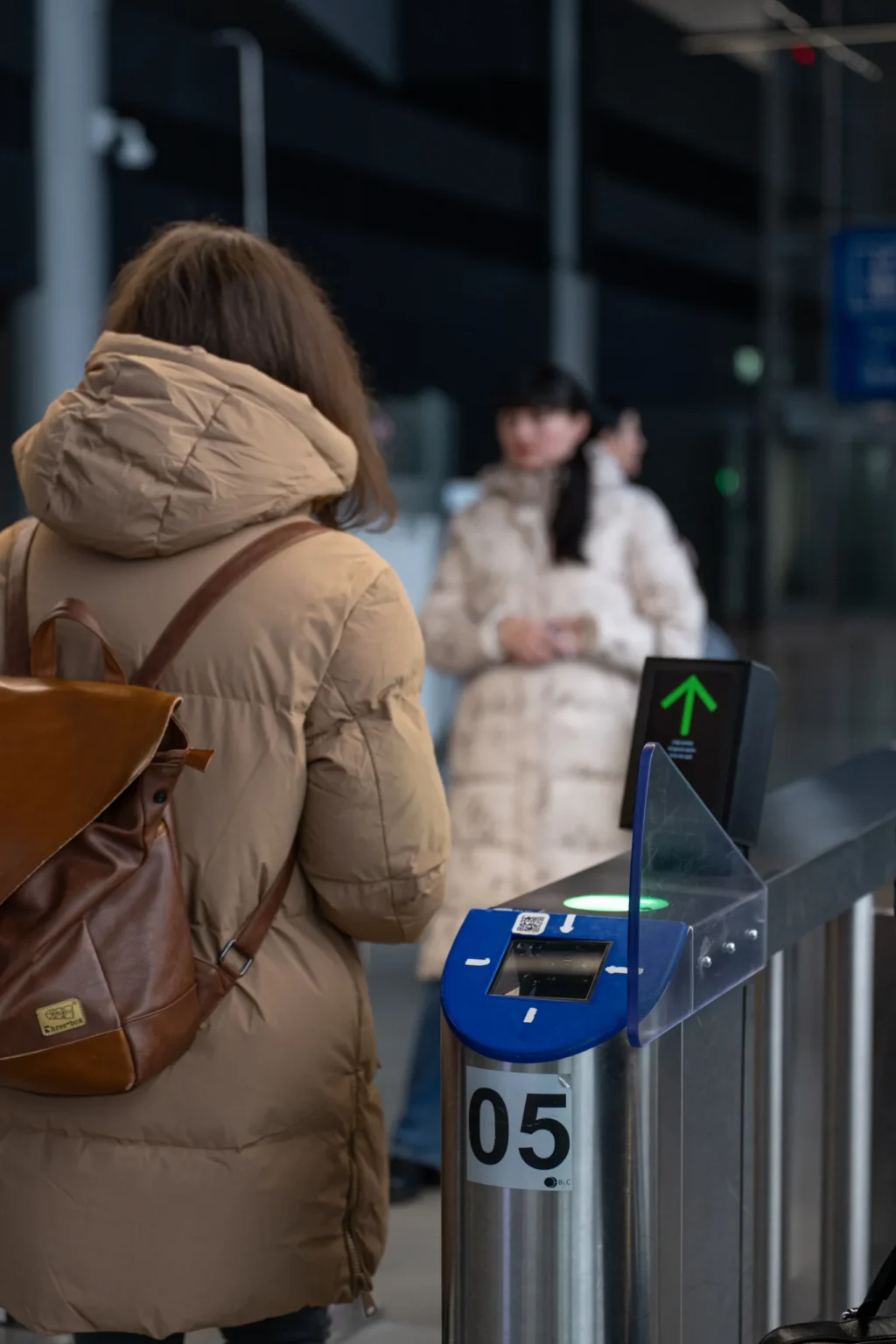
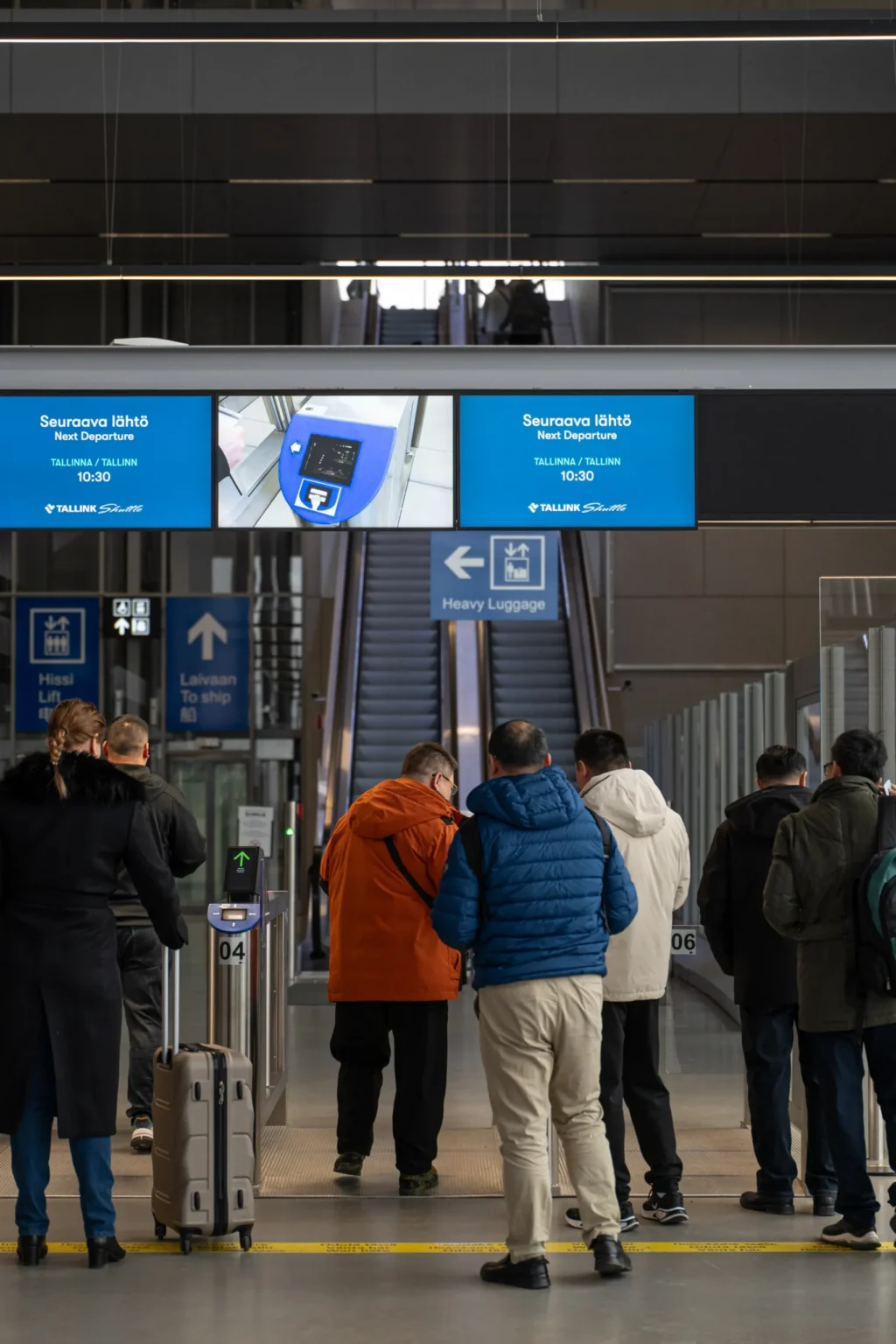
Manage passenger flows from ticket validation to boarding in one system. Control access to restricted terminal areas and manage crew access based on assigned roles.

Passenger terminals

Ticket validation

  • Check ticket validity before granting access.

Security gates

  • Control entry to restricted areas within the terminal.

Boarding gates

  • Manage passenger boarding through controlled gate access.

Crew access control

  • Manage crew access according to assigned roles and permissions.

PAX Cars

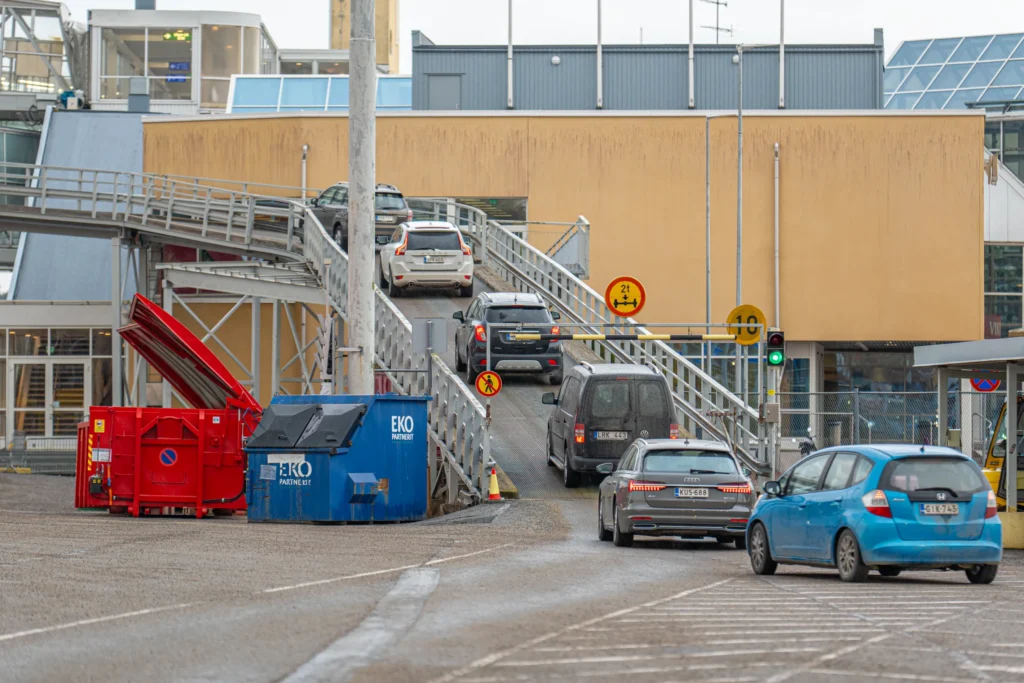
Manage passenger vehicle flows from pre-gate checks to vessel loading. Bring vehicle identification, check-in, gate operations and waiting lane management into one process.

PAX Cars

Pre-gate operations

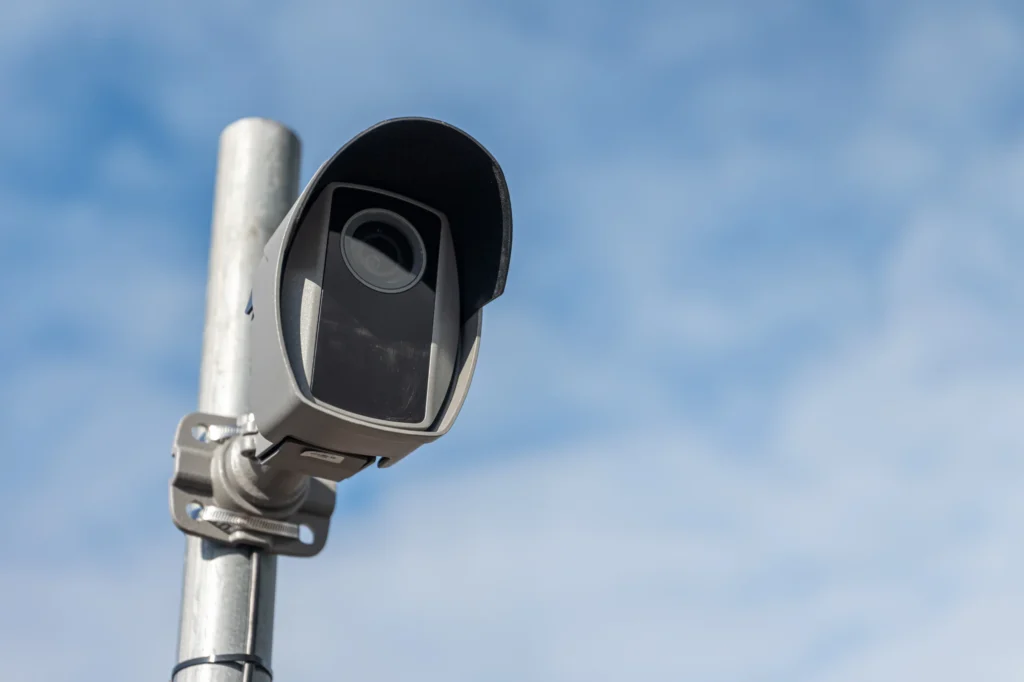
  • Automatic number plate recognition (ANPR)
  • Vehicle measurements
  • Passenger counting
  • Booking validation

Check-in

  • Support self-service check-in and Fast Lane processing.

Gate operations

  • Manage vehicle access through terminal gates.

Waiting lane management

  • Assign vehicles to waiting lanes before vessel loading.

Loading operations

  • Coordinate vehicle movements from waiting lanes to vessel loading.

Cargo Operations

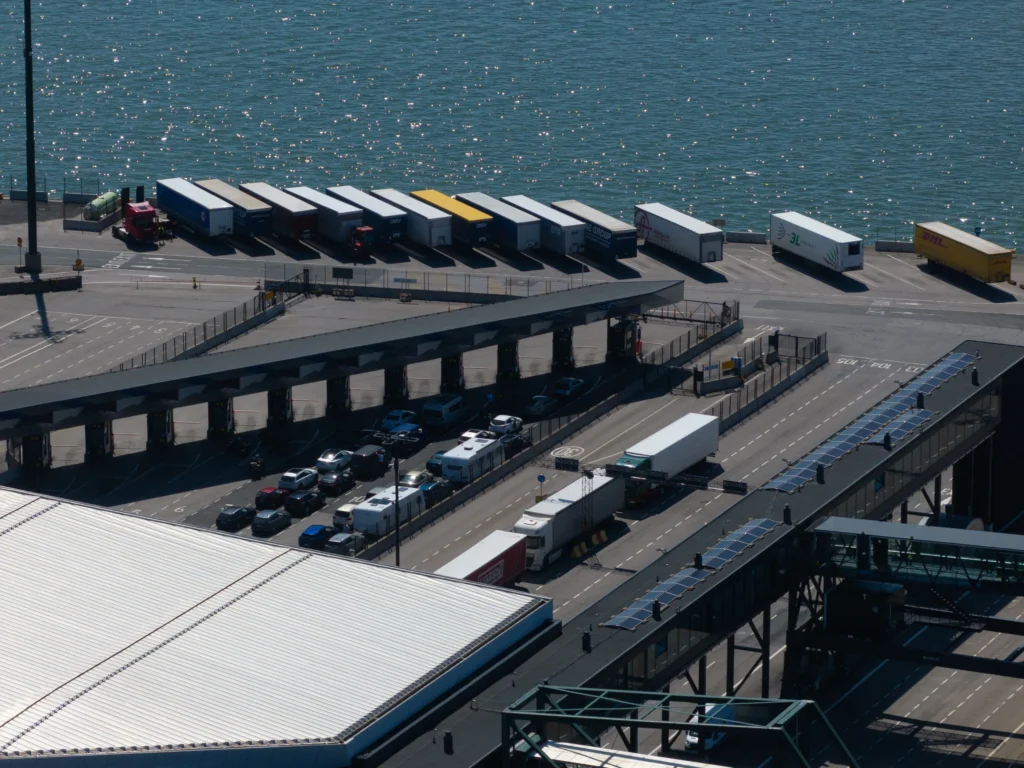
Manage cargo flow end-to-end with one situational view and operational control across gates, queues, yard and ramp.

Cargo Operations

Pre-Gate operations

  • Automatic number plate recognition (ANPR)
  • Vehicle measurements
  • Passenger counting
  • Booking validation

Gate Operations

  • Record vehicle condition at the gate to support damage checks.

Check-in & documentation control

  • Manage cargo check-in and the associated document checks.

Pre-Loading Preparation

  • Support loading plans and check cargo readiness before loading.

Loading operations

  • Coordinate cargo movements from the yard to vessel loading.

Gate Operating System

Identify arriving vehicles and people, check access permissions and control physical gates. Record gate events and share them with connected systems.

Gate Operating System

User management

Vehicle/person identification

  • Identify arriving vehicles and people
  • Check access permissions and status

Gate & zone control

  • Manage access to different zones
  • Control physical gates

Event logging

  • Record gate events to provide a traceable activity history.

Integrations

  • Share gate event data with connected systems.

Infosystem

Keep passengers and drivers informed with schedules, boarding information and clear guidance. Manage content centrally across indoor, outdoor and kiosk displays.

Infosystem

Indoor Digital Displays

  • Schedule information
  • Boarding information
  • Videos, safety information and advertising

Outdoor Digital Displays

  • Pre-gate information
  • Lane guidance

Content Management (CMS)

  • Manage display content from one central interface.

How a rollout usually goes

  1. Step 1

    Start with the bottleneck

    Gate, lanes, terminal, cargo, access or information flow.

  2. Step 2

    Connect the critical data

    Bookings, manifests, access rights, vehicle data, schedules and events.

  3. Step 3

    Create one situational view

    One operational truth for port, operators and partners.

  4. Step 4

    Act on it

    Guide lanes, control gates, update displays, manage exceptions.

  5. Step 5

    Scale module by module

    From one process to end-to-end operational control.